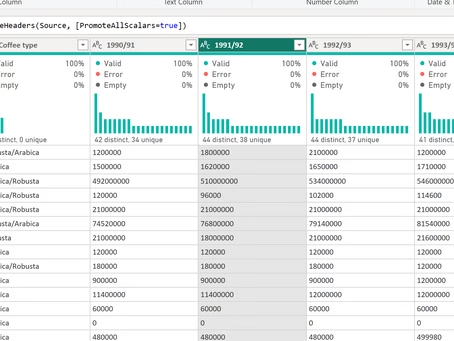
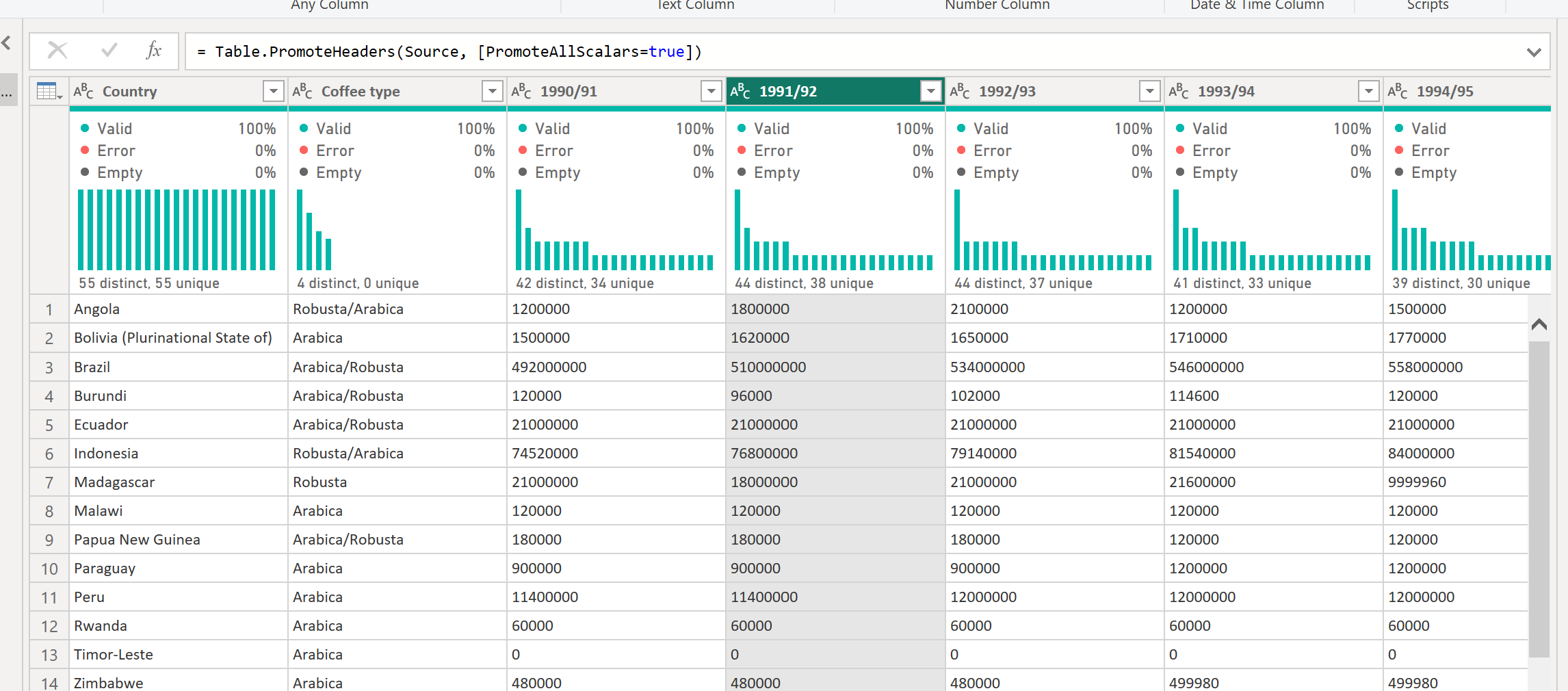
When preparing your data for analysis in Power BI usually the first step is to prepare and clean the data before creating semantic layer (eg. measures, finctions etc). In this case we see a matrix table with attributes values in columns:
What is the best way to create pairs like this and re-shape the table?
Switch to Power Query (Transform Data)
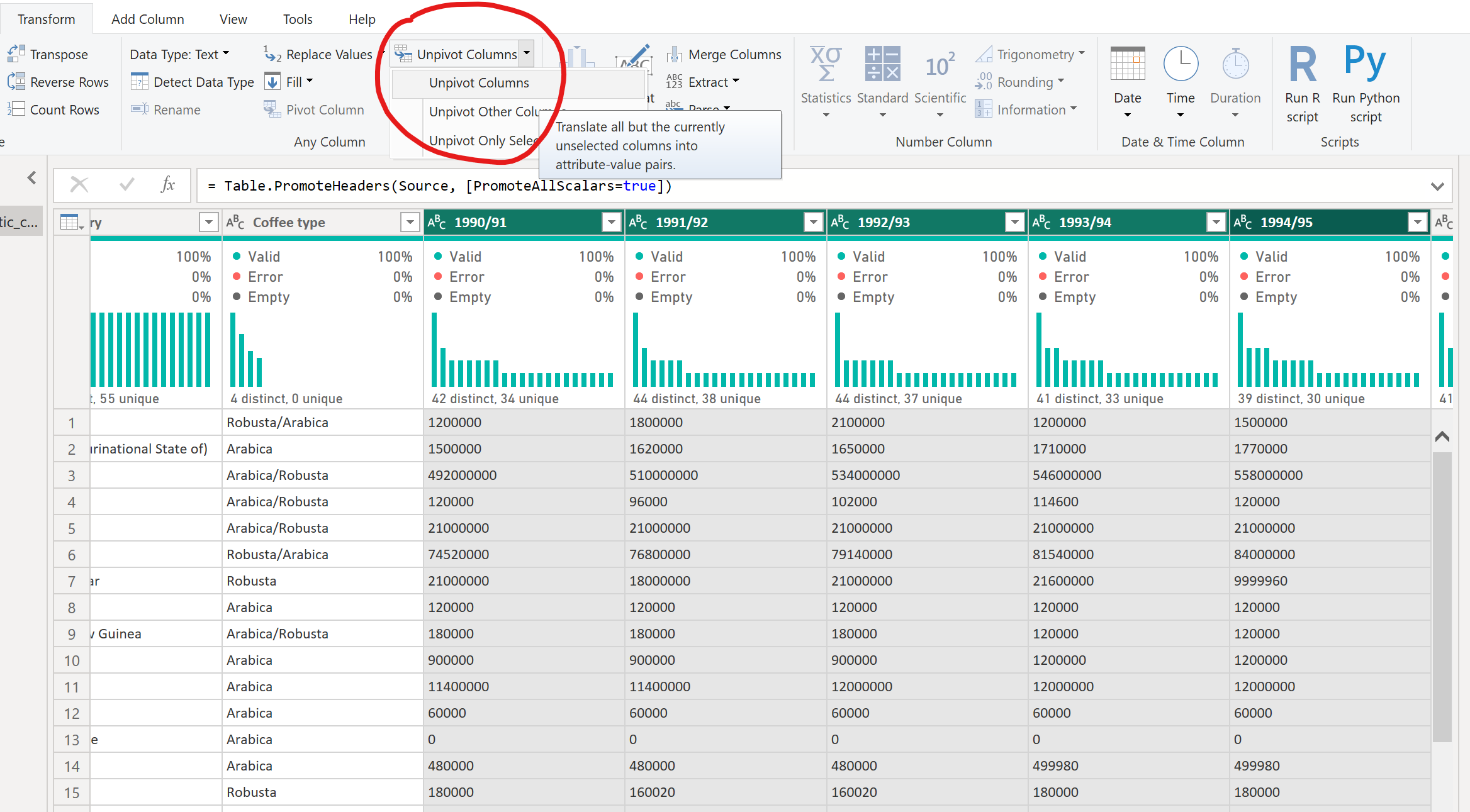
Select columns in the table which you want to unpivot
Select Unpivot
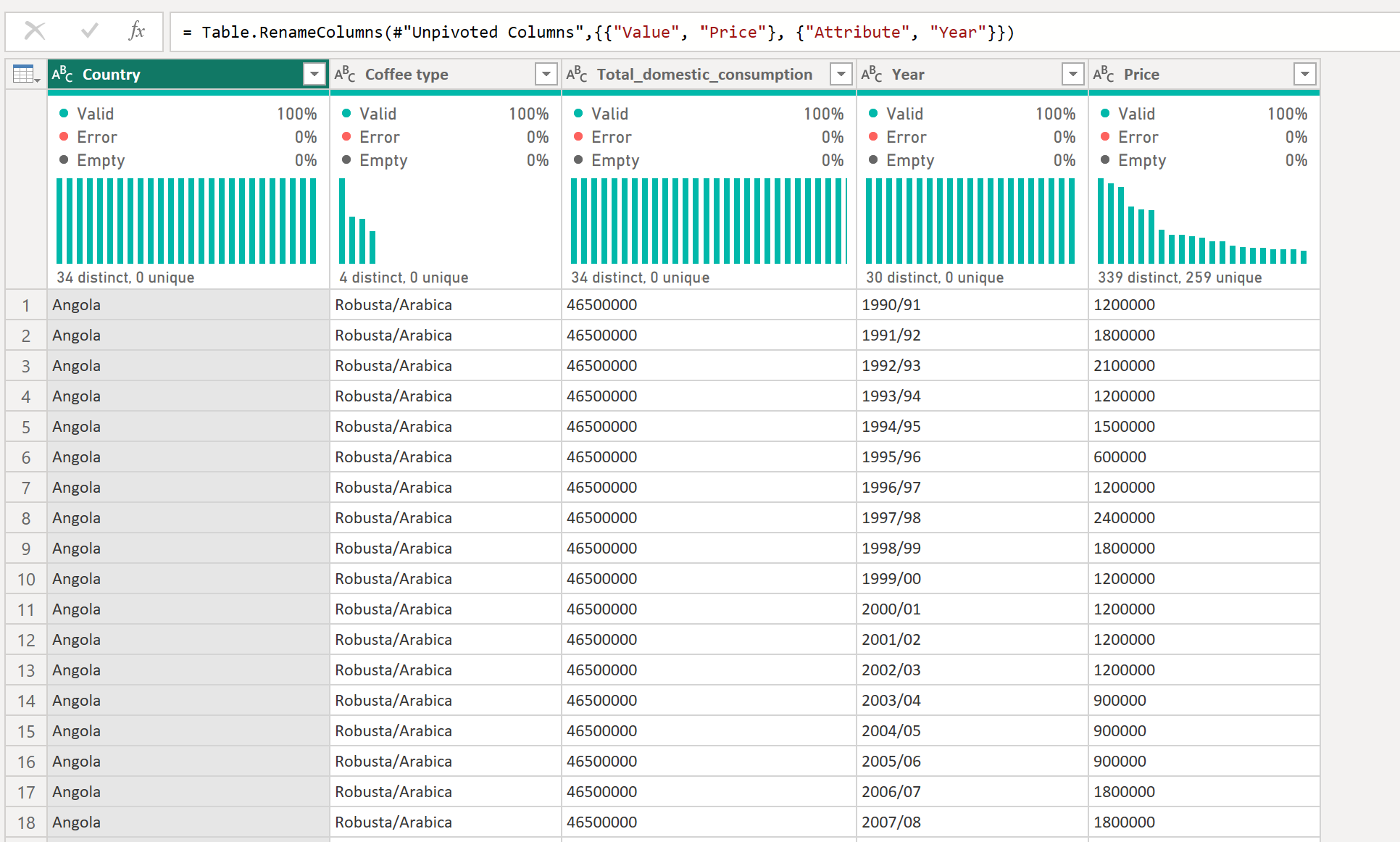
Rename the 2 new columns to give a meaningful name
Close and apply
Now you won't see the years in column headers but as values